Currencies
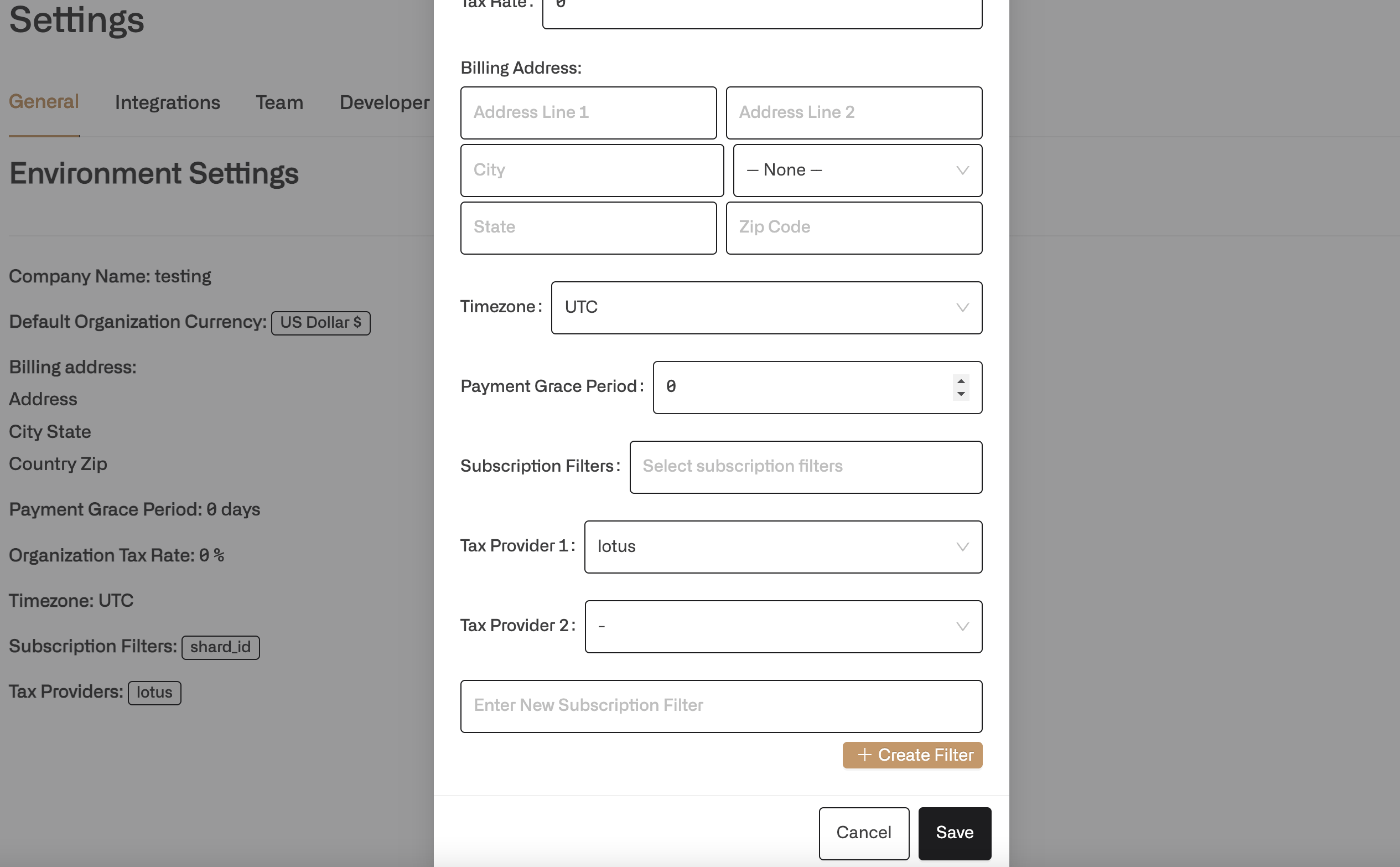
Every invoice is defined in a certain currency. There are two ways of setting this currency.- You can set the default currency for your entire organization in the settings page.
- You can set a specific customer’s currency when you create the customer programatically or through the dashboard.
Taxes
There are three options for configuring taxes in Lotus.- Use Lotus to set a tax rate at the organization level that applies to all invoices. Set this on the settings page.
- You can set a specific tax rate per customer via the create customer api or in the frontend by clicking on a customer and editing their tax rate. If it is set, the customer tax rate will take priority over the organization tax rate.
- If you are on the cloud or license version, you can use TaxJar to automatically calculate sales taxes for all of your charges and line items. This can be especially helpful if you sell many different SKUs in different countries.